Introduction
A webpage is usually built from three parts:
- Structure (HTML): defines page structure.
- Presentation (CSS): controls visual style.
- Behavior (JavaScript): handles interactions.
In simple terms, CSS controls appearance and layout, JavaScript controls behavior and functionality, and HTML defines the content.
So by changing CSS, you can change themes and webpage appearance.
The user scripts we often use (for example Tampermonkey scripts) mainly modify JavaScript behavior to add features.
If JavaScript can be changed, CSS can be changed too.
Here is a plugin for changing CSS on webpages: Stylus.
Download links
Edge Add-ons (I checked and it seemed unavailable on Edge at that time)
Overview
Stylus works similarly to Tampermonkey overall. The difference is one controls user styles while the other controls user scripts.
If installation succeeds, you should see it in your extensions list.
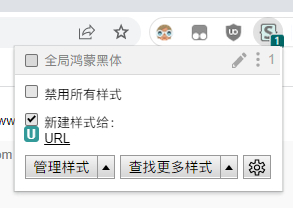
Click the gear icon at the bottom right to open Stylus settings and customize behavior.
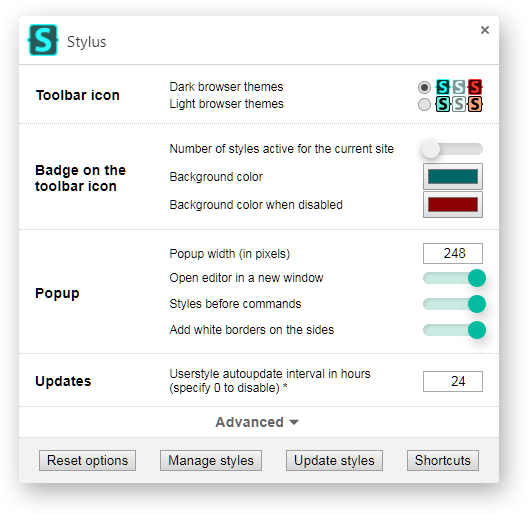
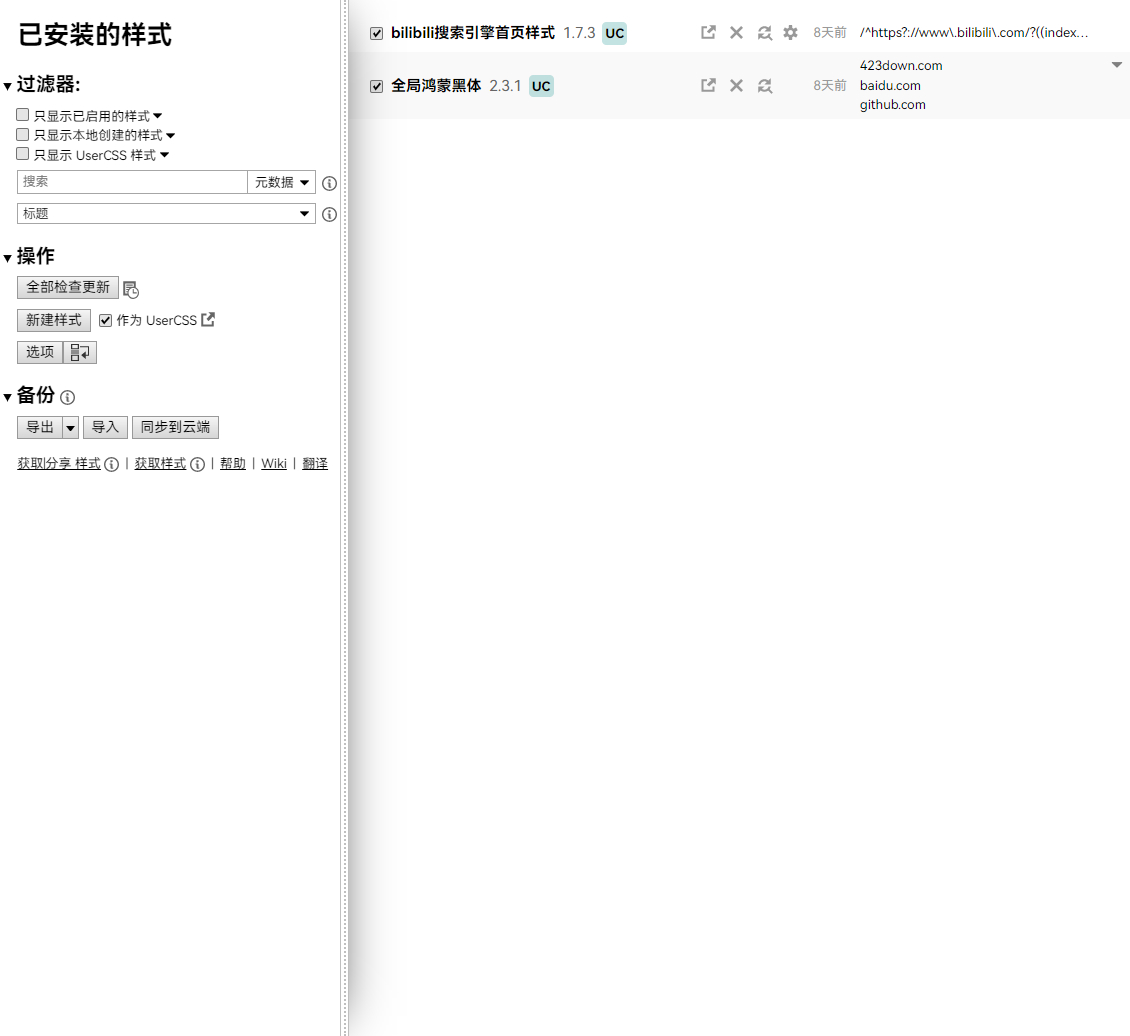
Click close at the top right to return; from there you can manage installed styles.
Installing Styles
Installing styles in Stylus is easy. Just like Tampermonkey: find a style for your site and install it.
You can search user styles on GitHub. Some styles are maintained there.
You can also search dedicated style collections:
A small note: user styles usually get less attention than user scripts, so many styles are updated less frequently.
Stylus also has a convenient feature: open its extension menu and click “Find styles” to search styles for the current site directly, without opening another website.
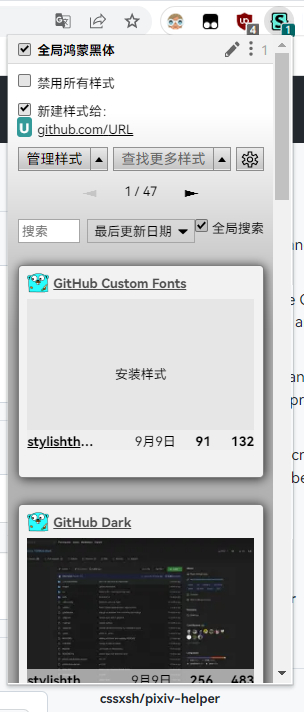
Using Styles
Using styles is simple. In most cases, install the style and refresh the page.
If the style supports customization, click the Stylus icon and then the gear next to that style to edit its settings.
Writing Styles
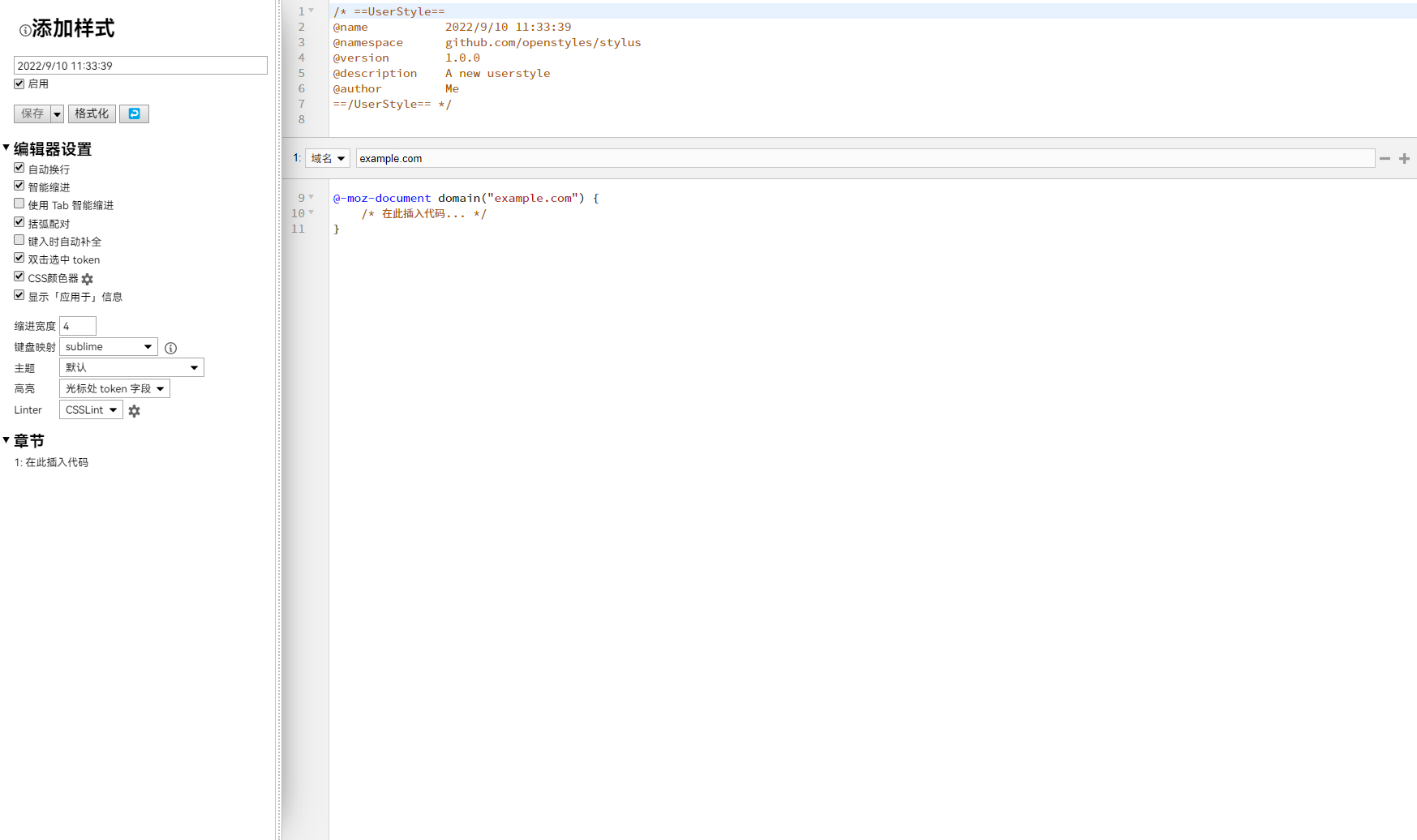
If you know CSS, you can write your own styles. Stylus supports this directly: open style management and click “Write new style”.
Showcase