Images are often the biggest part of page load time. Is there a way to optimize image loading and speed up the whole page?
Yes. A simple method is to convert your images to WebP and store or upload them in that format.
WebP
According to Wikipedia, WebP is an image format that supports both lossy and lossless compression. Its goal is to reduce file size while keeping quality comparable to JPEG, PNG, and GIF, thereby reducing transfer time on the web.
According to a Zhihu post by user “smallpdf”, WebP can significantly improve website speed. At the same resolution, files can be over 25% smaller than JPG/PNG. Browsers like Chrome, Firefox, Edge, and Opera all support it.
Sounds good, right? Let’s use it on our site.
The operation is straightforward: convert other image formats in your site to WebP.
Some browsers still do not support WebP, but don’t worry… maybe your blog has no traffic anyway.
Lazyload
According to Wikipedia, lazy loading (also called deferred loading/infinite scroll/waterfall loading in some contexts) is a pattern in software and web design where content loads as the user scrolls, reducing bandwidth and device load.
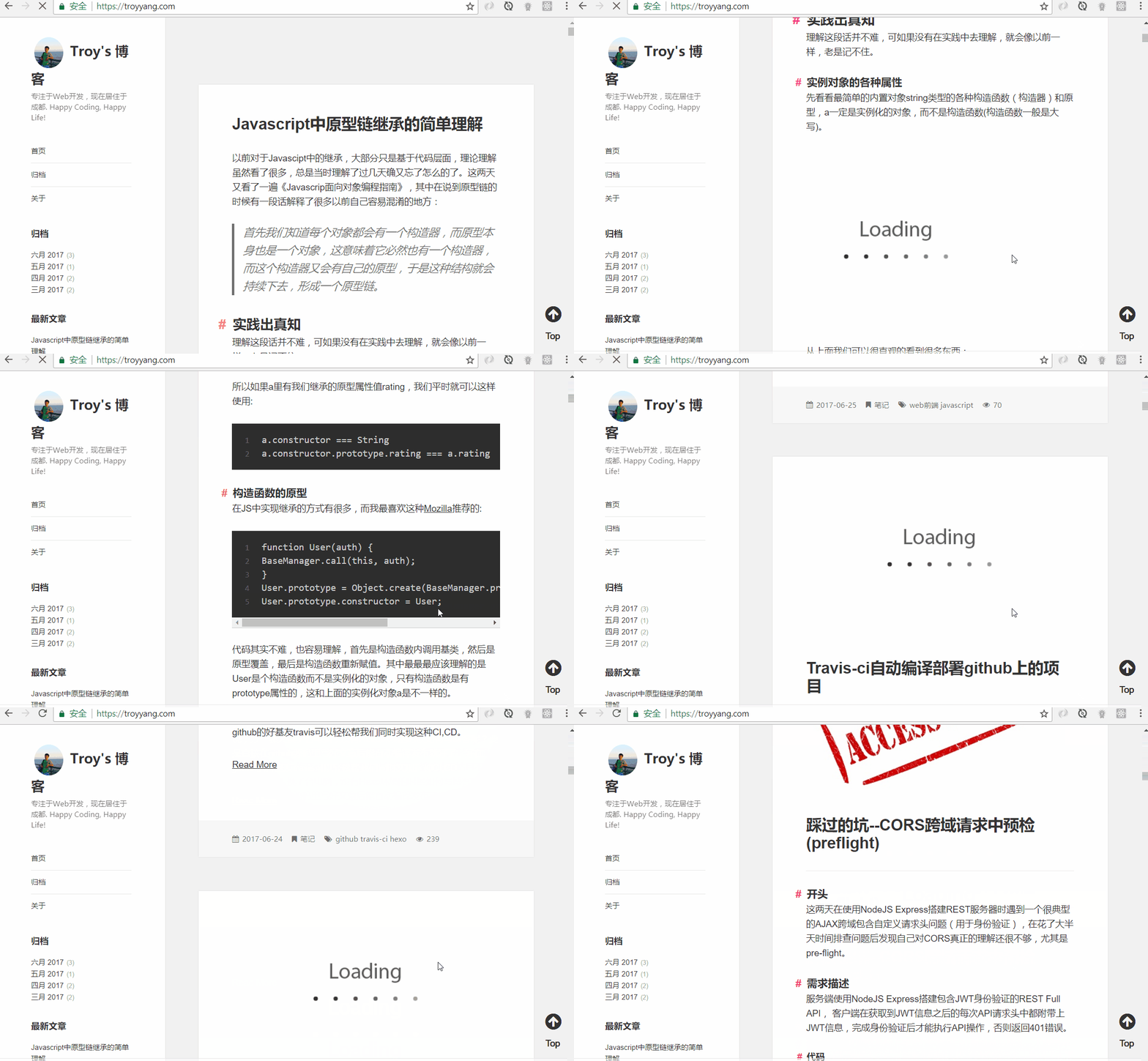
In plain language: images load only when you scroll to them. Images outside the viewport are not loaded yet, so first-screen loading is faster.
First, install hexo-lazyload-image:
npm install hexo-lazyload-image --save
Then open _config.yml and add:
lazyload:
  enable: true
  onlypost: false        # optional
  loadingImg:            # optional
  isSPA: false           # optional
  preloadRatio: 1        # optional
The following option explanations were originally translated with Google Translate.
onlypost
Choose the scope where lazy loading is enabled.
- If
true, only images in posts/pages use lazy loading. - If
false, all images in your site use lazy loading, including theme images (except CSS background images).
loadingImg
Choose the transition image while lazy-loaded images are being shown.
- If you want a custom one, set a path like
/images/loading.gif. - If not, leave empty (default behavior).
isSPA
For performance, isSPA is provided. If your theme is SPA-style, set it to true.
- If
true, images are checked during scrolling to support SPA pages. - If
false(default), performance is best.
preloadRatio
For a better experience, default is 1. It controls how much content outside the current viewport is preloaded relative to screen size.
Example effect from the plugin author: